Powered-off DigitalOcean droplets bill full price
Published · OhChimp Engineering
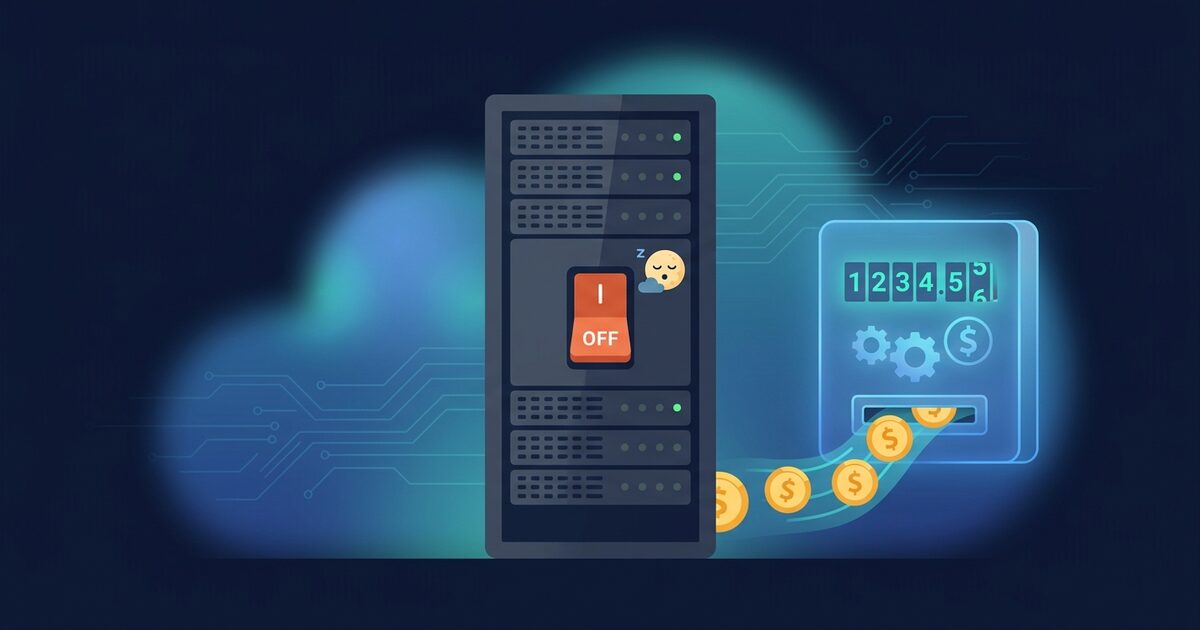
A DigitalOcean droplet that is powered off bills exactly what a running one does, so a parked 4 GiB Basic droplet costs $24.00 a month to do nothing. A snapshot of the same droplet costs $0.06 per GB-month of compressed data, which turns that $24.00 into somewhere between $4.80 and a few cents, and destroying the droplet is the only way to stop the original charge.
Why a powered-off droplet costs the same as a running one
DigitalOcean's Droplet pricing docs state it plainly: powered-off droplets on bundled plans are still billed "because the compute resources stay reserved on the hypervisor." The vCPUs, memory and disk stay set aside for you, so the plan price keeps accruing. The same page says "To end billing, destroy the Droplet."
Since 1 January 2026, droplets bill per second with a 60-second minimum, capped at 672 hours (28 days) a month for bundled CPU plans. A droplet that sits off all month therefore bills its full monthly price, the same figure you see on the plan card. A shorter stretch bills by the second: a $24.00 droplet costs $0.03571 an hour, so each week it sits off adds about $6.00.
Snapshots bill differently. The snapshot pricing page lists $0.06 per GB-month, and doctl describes the Size it reports as the snapshot's "compressed billable size." A snapshot bills on the compressed size of the data written to the disk, which DigitalOcean calls "a best estimate based on the disk usage."
A full-disk snapshot of a Basic Regular droplet costs at most 15 to 25% of the plan price, so snapshotting and destroying saves at least 75%. The table assumes October 2026 list prices and a disk filled to capacity with data that does not compress at all.
| Basic plan | Disk | Droplet per month | Full-disk snapshot ceiling | Minimum saving |
|---|---|---|---|---|
| 512 MiB, 1 CPU | 10 GB | $4.00 | $0.60 | 85% |
| 1 GiB, 1 CPU | 25 GB | $6.00 | $1.50 | 75% |
| 2 GiB, 1 CPU | 50 GB | $12.00 | $3.00 | 75% |
| 2 GiB, 2 CPU | 60 GB | $18.00 | $3.60 | 80% |
| 4 GiB, 2 CPU | 80 GB | $24.00 | $4.80 | 80% |
| 8 GiB, 4 CPU | 160 GB | $48.00 | $9.60 | 80% |
| 16 GiB, 8 CPU | 320 GB | $96.00 | $19.20 | 80% |
The table covers Basic Regular plans. Premium, General Purpose, CPU-Optimized and Memory-Optimized droplets are bundled plans too and follow the same rule at their own prices, so check the plan card for the figure.
Real disks are rarely full. If the snapshot of a parked 4 GiB droplet reports a Size of 10 GB, it costs $0.60 a month against the $24.00 the droplet bills, a 97.5% cut.
Percentage-based backups make the parked droplet cost more again. Weekly backups add 20% of the droplet price and daily backups add 30%, so a powered-off $24.00 droplet with daily backups bills $31.20 a month for a machine nobody is using.
What destroying a droplet leaves behind
Destroy is the only switch that stops the droplet charge, and it is irreversible. The destroy docs are explicit that associated resources "are not destroyed by default." Four details decide whether destroying a droplet saves the full amount or quietly leaves part of the bill running.
Attached volumes keep billing. Block storage volumes survive the droplet, detach, and keep billing their full provisioned size at $0.10 per GiB-month. A 200 GB volume left behind is $20.00 a month, close to the $24.00 you thought you had saved.
A reserved IP starts billing the moment its droplet is gone. Reserved IPv4 addresses are free while assigned and cost $5.00 a month while unassigned. Destroying the droplet unassigns it. Keep it only if something depends on that exact address, and release it otherwise.
The droplet's own public IPv4 address does not come back. A droplet restored from a snapshot gets a new address. Any DNS record, firewall allowlist or partner integration pinned to the old one breaks on restore, so record the address before you destroy and plan the DNS change as part of the rollback. If the address has to survive, move traffic to a reserved IP while the droplet still exists, and accept the $5.00 a month that IP costs while the droplet is gone.
Backups expire on their own schedule. Automated backups outlive the droplet but do not stay: weekly backups are kept for four weeks and daily backups for seven days, according to DigitalOcean's backup retention note. A backup is a poor archive for a droplet you might want next quarter. Take a fresh snapshot instead, which persists until you delete it.
One restore constraint belongs here too. A snapshot records a MinDiskSize, and you cannot create a droplet from it on a plan with a smaller disk. A snapshot of an 80 GB droplet restores onto an 80 GB plan or larger, so the cheapest rollback path is the plan you started on.
Find your powered-off droplets by hand
doctl returns the droplet's status, plan price, disk size, volumes and tags in its JSON output. This lists every droplet in the off state with its monthly price and the number of attached volumes. DOKS worker nodes carry a k8s:<cluster-id> tag and are managed by their node pool, so the filter skips them (a self-managed cluster's k8s or k8s:worker tags are yours to act on): deleting a node directly gets undone by the cluster, and the saving belongs to the pool.
doctl compute droplet list -o json | jq -r '
  .[]
  | select(.status == "off")
  | select(any(.tags[]?; test("^k8s:[0-9a-f]{8}-[0-9a-f]{4}-[0-9a-f]{4}-[0-9a-f]{4}-[0-9a-f]{12}$")) | not)
  | [.id, .name, .region.slug, .size_slug, .size.price_monthly, .disk, (.volume_ids | length), .created_at]
  | @tsv'
Total what the parked droplets cost each month, with the same DOKS skip:
doctl compute droplet list -o json \
  | jq '[.[] | select(.status == "off") | select(any(.tags[]?; test("^k8s:[0-9a-f]{8}-[0-9a-f]{4}-[0-9a-f]{4}-[0-9a-f]{4}-[0-9a-f]{12}$")) | not) | .size.price_monthly] | add // 0'
The droplet object has no "powered off since" field. Its action history is the closest thing, because a power-off or shutdown issued through the control panel or API is recorded with a completion time:
doctl compute droplet actions 386734086 \
  --format Type,Status,CompletedAt --no-header \
  | grep -E 'power_off|shutdown'
If no power action shows up, the history cannot date the shutdown, so ask whoever owns the droplet before you treat it as abandoned.
Before destroying anything, ask the API what the droplet leaves behind. The associated-resources endpoint returns its reserved IPs, snapshots, volumes and volume snapshots, each with the monthly cost it will carry after the droplet is gone. Backups are not in this list, and the token needs the reserved_ip:read scope or reserved IPs are left out.
curl -s -H "Authorization: Bearer $DIGITALOCEAN_TOKEN" \
  "https://api.digitalocean.com/v2/droplets/386734086/destroy_with_associated_resources" \
  | jq '{reserved_ips, volumes, snapshots, volume_snapshots}'
The cost fields come back as strings in USD per month, such as "5.00" for an unassigned reserved IP or "20.00" for a 200 GB volume. Anything in that output either goes into your rollback plan or gets deleted on purpose.
Snapshot and destroy without losing the way back
A powered-off droplet is the best possible snapshot source, because nothing is writing to the disk. Record the current address and plan first, since you will need both to restore.
doctl compute droplet get 386734086 \
  --format ID,Name,PublicIPv4,Region,Image,Volumes --no-header
doctl compute droplet get 386734086 -o json | jq -r '.[0].size_slug'
Take the snapshot and wait for it to finish:
doctl compute droplet-action snapshot 386734086 \
  --snapshot-name "web-legacy-2026-10-04" --wait
Confirm it exists and read its billable size and minimum disk:
doctl compute snapshot list "web-legacy-*" --resource droplet \
  --format ID,Name,Size,MinDiskSize,Regions,CreatedAt
Decide each volume's fate before the droplet goes. To keep the data and stop paying for the provisioned size, snapshot the volume and delete it. Volume snapshots bill $0.06 per GiB-month on the data stored, against $0.10 per GiB-month for the volume itself, and they outlive the volume they came from. Volume snapshots work at the block level, so blocks the filesystem freed but never discarded still count: run fstrim on the mounted volume before snapshotting it. Delete the volume only after the snapshot list shows its snapshot.
doctl compute volume snapshot 1a2b3c4d-0000-0000-0000-000000000000 \
  --snapshot-name "web-legacy-data-2026-10-04"
doctl compute snapshot list "web-legacy-data-*" --resource volume \
  --format ID,Name,Size,CreatedAt
doctl compute volume delete 1a2b3c4d-0000-0000-0000-000000000000 --force
Now destroy the droplet. This is the irreversible step, so run it only after the snapshot list shows the snapshot.
doctl compute droplet delete 386734086 --forceIf the droplet had a reserved IP that nothing depends on, release it so it stops billing $5.00 a month:
doctl compute reserved-ip delete 203.0.113.25 --forceRestore the droplet from its snapshot
Restoring is a create from the snapshot, on a plan whose disk is at least the snapshot's MinDiskSize, in a region where the snapshot is available:
doctl compute droplet create web-legacy \
  --image 123456789 --size s-2vcpu-4gb --region nyc3 --wait
Then put back what you kept: attach a volume recreated from its snapshot with doctl compute volume-action attach <volume-id> <droplet-id>, reassign a reserved IP with doctl compute reserved-ip-action assign 203.0.113.25 <droplet-id>, and update any DNS record that pointed at the old public address. Delete the snapshot once you are sure you will never need the droplet again, because it bills until you do.
A quick decision tree
Destroy a powered-off droplet outright when its data is disposable. Snapshot it first when the data matters, since the snapshot bills at most 25% of the plan price. Leave DOKS nodes alone and resize the node pool instead, and power a droplet back on if you need it again within a few days.
graph TD
  A[Droplet status is off] --> B{DOKS node with k8s:cluster-id tag?}
  B -- Yes --> C[Leave it. Resize the node pool instead]
  B -- No --> D{Needed again within a few days?}
  D -- Yes --> E[Leave it or power it on. A week parked costs about a quarter of the plan price]
  D -- No --> F{Is the data worth keeping?}
  F -- No --> G[Check associated resources, then destroy droplet, volumes and reserved IP]
  F -- Yes --> H[Snapshot the droplet and its volumes]
  H --> I{Does anything depend on its public IP?}
  I -- Yes --> J[Plan a DNS change for the restore, or keep a reserved IP at $5 a month]
  I -- No --> K[Destroy the droplet and delete or keep each volume on purpose]
  J --> K
How OhChimp approaches this
OhChimp lists every droplet in your account, flags the ones in the off state, and prices each at its plan's monthly rate, skipping DOKS-managed nodes because their savings belong to the node pool. Each droplet becomes a reviewable plan to delete it or power it back on, with the monthly figure, a risk level and rollback steps, and nothing changes until you click apply. Volumes a destroyed droplet leaves behind show up in a later scan as unattached block storage. OhChimp cannot yet measure what one DigitalOcean plan saves, so the figure stays an estimate and monitoring ends "Inconclusive" rather than VERIFIED.
The DigitalOcean integration page covers how the read-only token connects.